

- 6.3
Key Points
- Integrated Multi-Factor Authentication with an authenticator app
- Support for all access methods (Web, Native, Mobile)
- Integrated user onboarding on first login
- Allow users to log in without MFA for a period of time while using the same device
Ensure secure access to the published applications by requiring users to provide an additional authentication factor, using an independent integrated MFA mechanism.
Multi-Factor Authentication (MFA) adds an extra layer of security to the login process by requiring users to present a second factor in addition to their usual credentials.
EO.workspace offers an integrated solution based on TOTP (Time-based one-time password), in which:
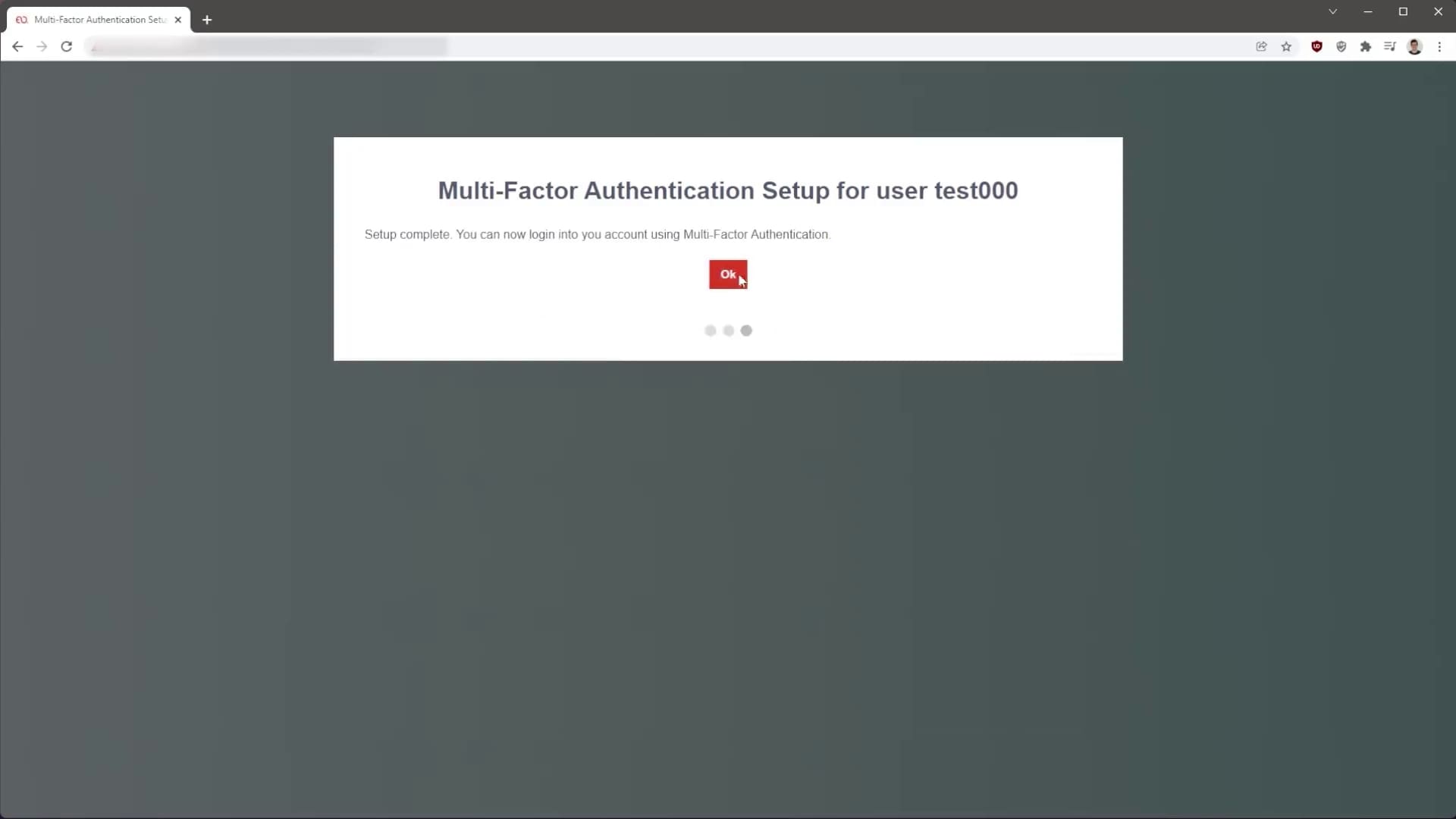
- The first time a user logs in, an onboarding page is presented with instructions on how to set up MFA using an application on their smartphone;
- The next time they log in, the user is required to provide a verification code provided by the application;
The administrator can also choose to allow users to skip MFA for a number of days while using devices where they have already authenticated themselves.
If a user loses access to their verification code, the administrator can reset that user’s MFA configuration in the EO.workspace Administration Console.



Recommended For You
CIS Virtualizes Bank Branches
CIS Virtualizes Bank Branches

NOS Virtualizes Critical Applications
NOS Virtualizes Critical Applications
CHBV Reduces Workstation Costs