

- 6.7
Key Points
- Expanded Use Cases: Support specialized workloads, from developer VMs to legacy and sensitive applications
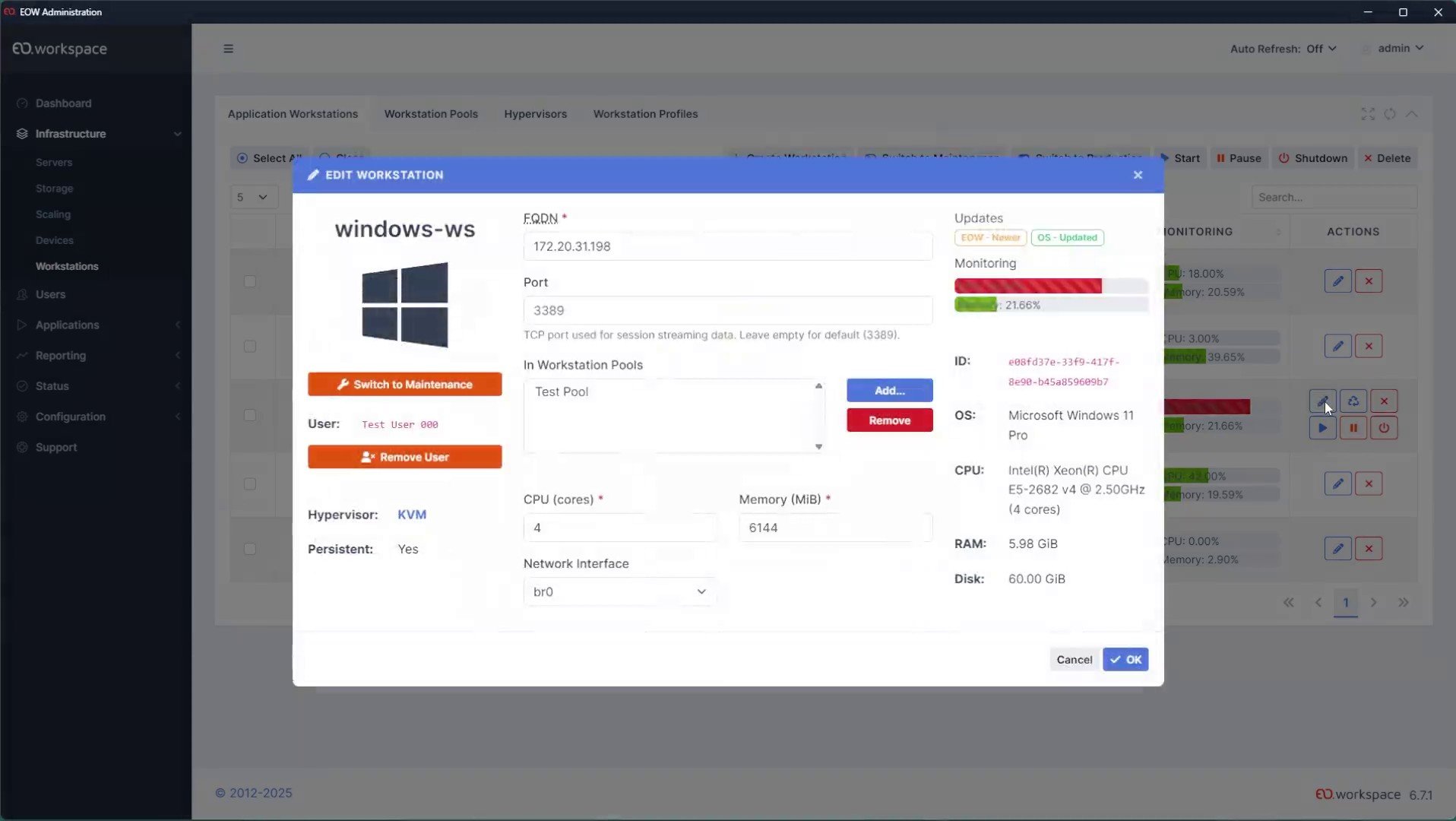
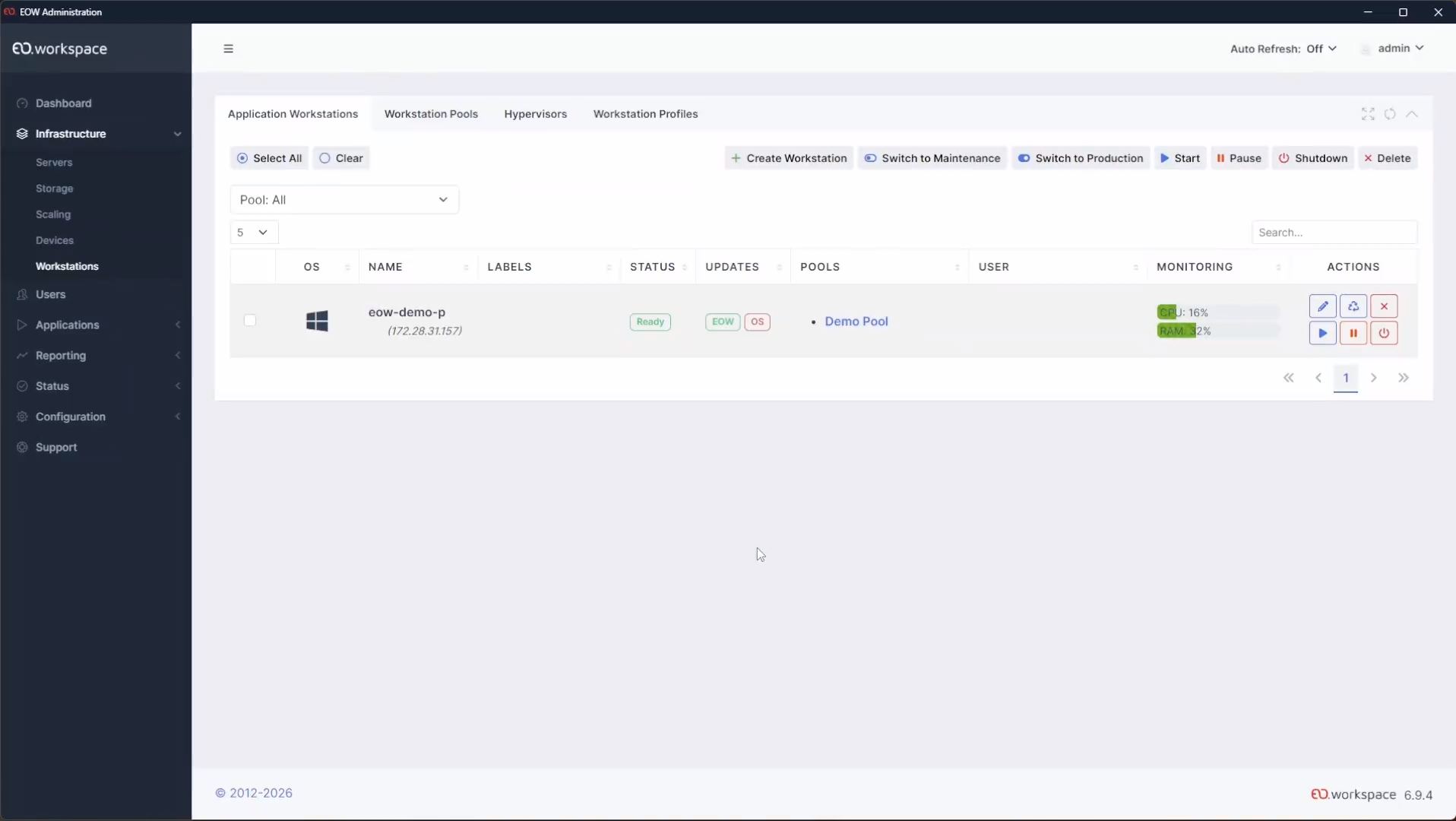
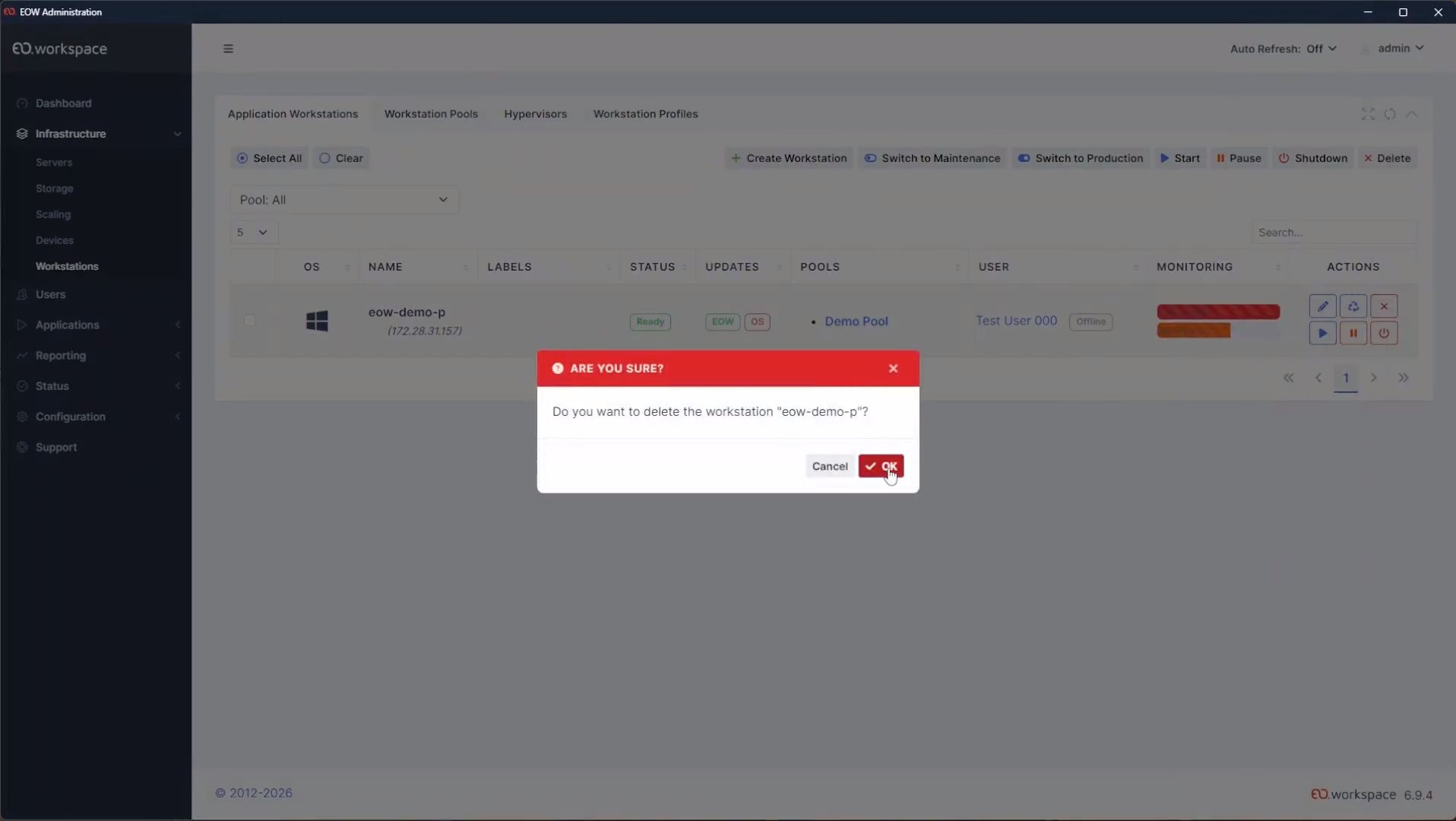
- Complete Control: Create, recreate, start, pause, shut down, and monitor any VM. You can even manage VMs on non-EO.workspace hypervisors
- Seamless Provisioning: Profiles, Pools, and Automatic Scaling are at your disposal for agile VM deployment, including Dynamic Filter Pools for advanced resource allocation
- Flexible Deployment: Linked Clones and Persistence modes support fast, ephemeral, or persistent environments
- Open and Hypervisor-Agnostic: Deploy on VMware, OpenShift, Proxmox, or major cloud providers such as AWS and Azure. One management plane, no vendor lock-in
Empower your specialized workforce with adaptive Virtual Desktop Infrastructure (VDI).
Introducing Advanced VDI, a feature of EO.workspace (EOW) designed for organizations that need secure, high-performance virtual desktops for specialized roles, legacy applications, or sensitive use cases.
Organizations with developers, data analysts, compliance teams, or users of legacy line-of-business applications often struggle to deliver performant, isolated desktop environments at scale. Advanced VDI addresses this by giving IT teams full lifecycle control over virtual machines — from creation and provisioning to monitoring and shutdown — all within a single management plane.
What makes EOW different is that it does not force you onto one virtualization stack. EOW is infrastructure-agnostic, with native support for on-premises platforms — VMware, OpenShift, and Proxmox — as well as leading cloud providers such as AWS and Azure. Match each workload to the right environment: your established VMware estate, container-native agility with OpenShift, cost-effective open-source infrastructure with Proxmox, or elastic scale in the public cloud.
Profiles, Pools, and Automatic Scaling
Define VM templates once and let Profiles and Pools handle repeatable, policy-driven deployment. Automatic Scaling adjusts capacity up or down based on demand, so you are not over-provisioning for peak load or leaving users waiting during spikes. For advanced resource allocation, Dynamic Filter Pools let you target specific hosts or clusters based on custom criteria.
Linked Clones and Flexible Persistence
Spin up ephemeral environments that reset after each session, or maintain persistent VMs with preserved user state and installed applications. Linked Clones share a base image to keep storage and memory footprints low, making it practical to run large VDI fleets without multiplying infrastructure costs.
Multi-Platform, No Lock-In
Run your VDI workloads on your established VMware infrastructure, on OpenShift for container-based orchestration, or on Proxmox for open-source flexibility — or burst into the cloud with AWS and Azure. EO.workspace provides a unified management layer across on-premises and cloud environments, so your team uses the same provisioning, monitoring, and scaling workflows regardless of where the VMs live.
Full Lifecycle Observability
Create, recreate, start, pause, shut down, and monitor any VM from a single interface — including VMs running on non-EO.workspace hypervisors. This gives operations teams end-to-end visibility into session health and resource consumption without juggling multiple dashboards.
Built for Specialized Workloads
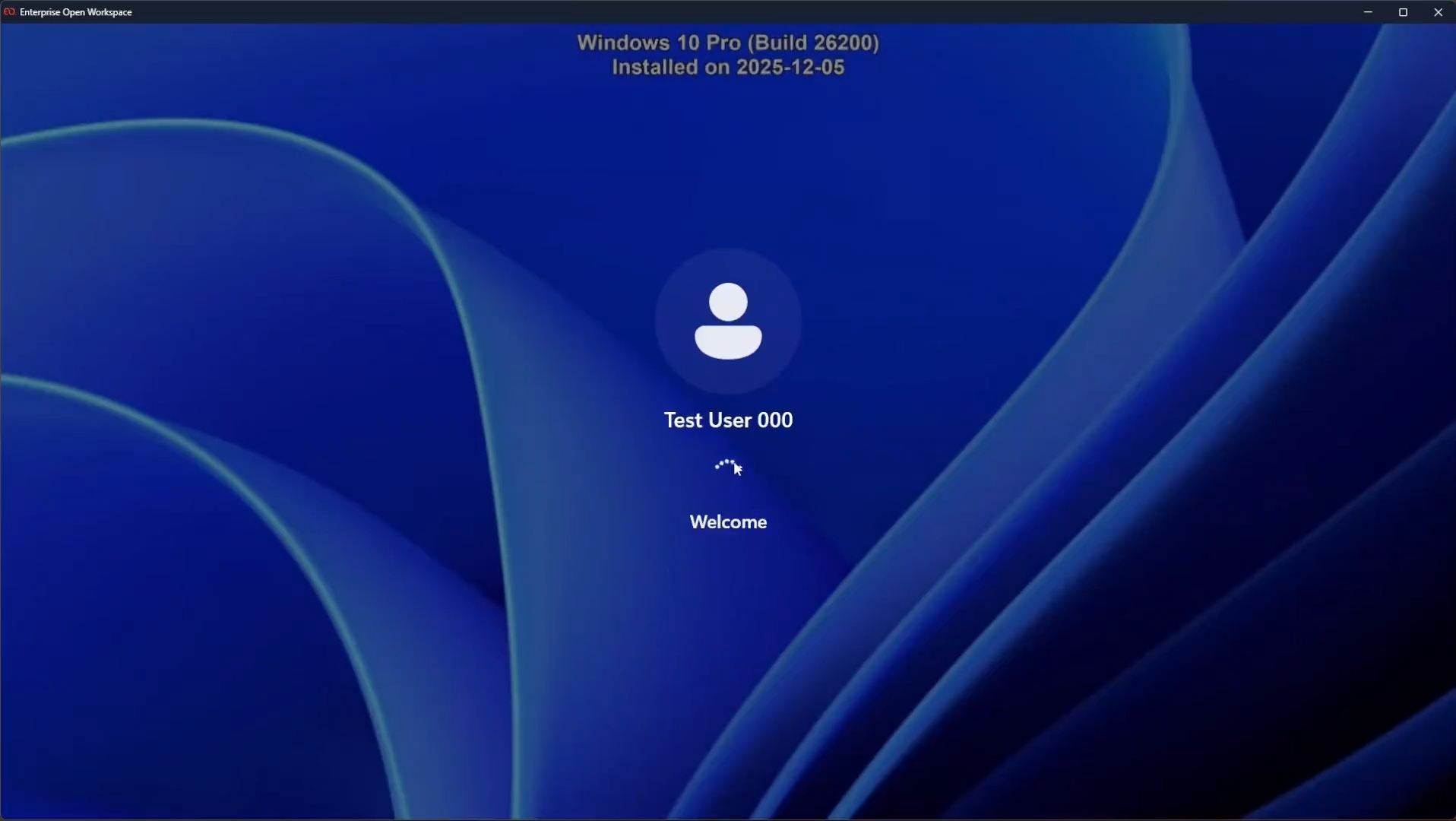
Whether you need isolated developer sandboxes, secure environments for financial or healthcare applications, or high-performance workstations for engineering teams, Advanced VDI delivers the right desktop to the right user. Combine with EO.workspace’s application streaming, session shadowing, and security features for a complete virtual workspace.
Ready to see how Advanced VDI works in your environment?
Advanced VDI is currently available only through select partners. Contact us to schedule a demonstration and discuss how EO.workspace can modernize your VDI deployments across on-premises and cloud platforms.



Recommended For You

CIS Virtualizes Bank Branches
CIS Virtualizes Bank Branches
NOS Virtualizes Critical Applications
NOS Virtualizes Critical Applications
CHBV Reduces Workstation Costs