

- 6.6
Key Points
- End Users: access desktops, published applications, and web apps directly from a modern browser.
- IT Administrators: deliver a complete workspace without installing a full native client on every endpoint.
- Support Teams: reduce user friction with HiDPI support, Dynamic Resize, and better file transfer feedback.
- Operations Teams: streamline daily work with optimized downloads, browser PDF printing, audio, microphone, and smart card integration where enabled.
- Security Teams: control clipboard, drive, printer, smart card, watermark, and screenshot-related policies from the EO.workspace platform.
A Complete Enterprise Workspace in the Browser
Deliver desktops, applications, and web apps through a modern web client built for real daily work.
Browser access is often treated as a compromise: useful for emergencies, but not good enough for regular enterprise work. Users expect sharp displays, responsive resizing, reliable clipboard behavior, fast file transfers, printing, and a familiar way to switch between applications.
The EO.workspace Advanced Web Client turns the browser into a complete remote workspace. Users can launch a full desktop or work in application portal mode, where published applications and web apps are available from a searchable interface with taskbar-style switching and window management.
Recent improvements make the experience better on modern devices and in daily workflows. HiDPI support improves clarity on high-density displays, Dynamic Resize adapts sessions as users resize the browser, optimized downloads and uploads reduce file transfer friction, and policy-controlled redirection keeps administrators in control of data movement.
🖥️ Modern Display Experience
The Advanced Web Client supports HiDPI displays and Dynamic Resize, helping browser sessions look sharper and adapt naturally as users resize windows or move between display conditions. This reduces the fixed-resolution feel of older web clients and improves usability on modern laptops and external monitors.
🧩 Full Workspace Or Application Portal
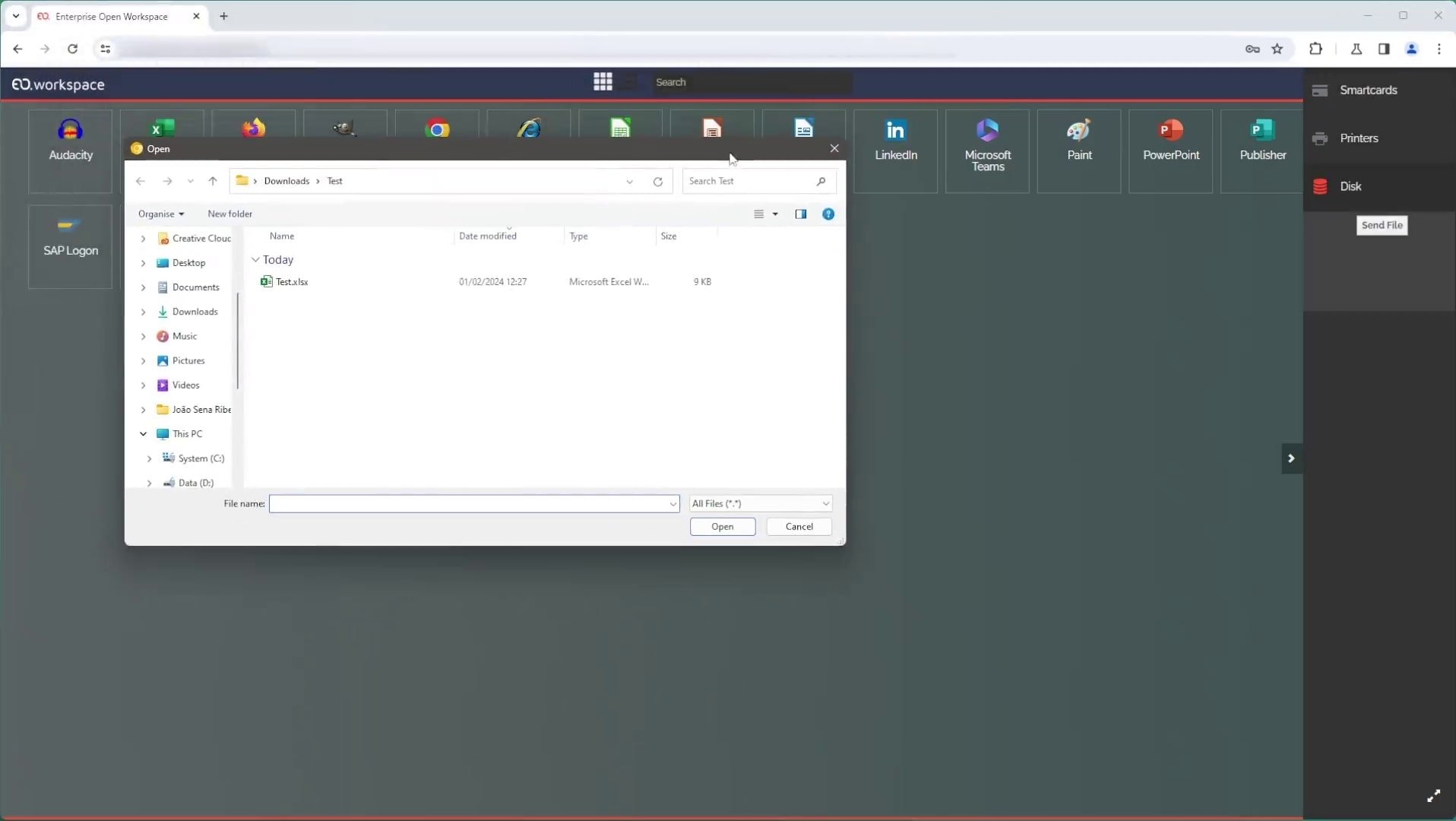
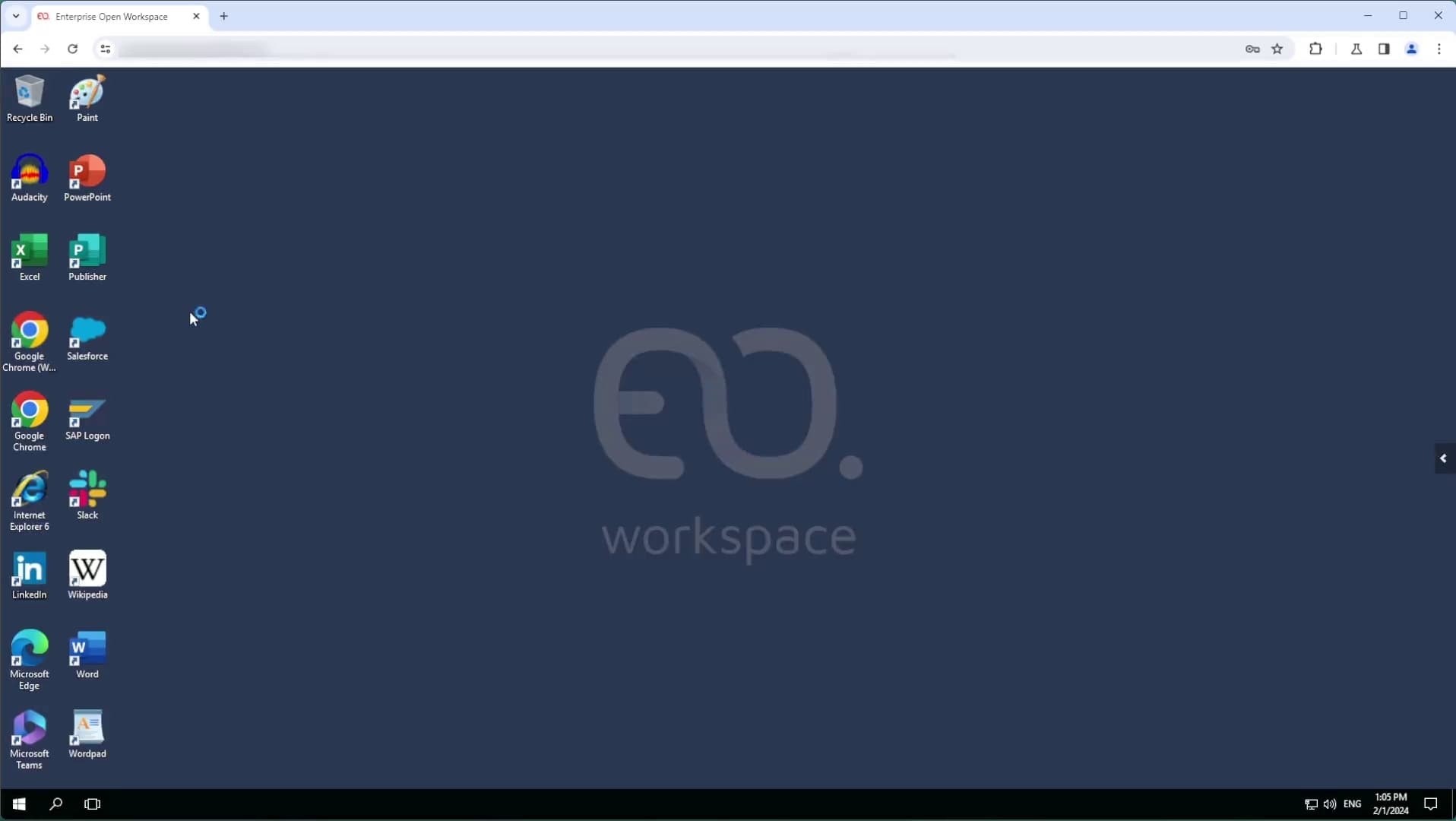
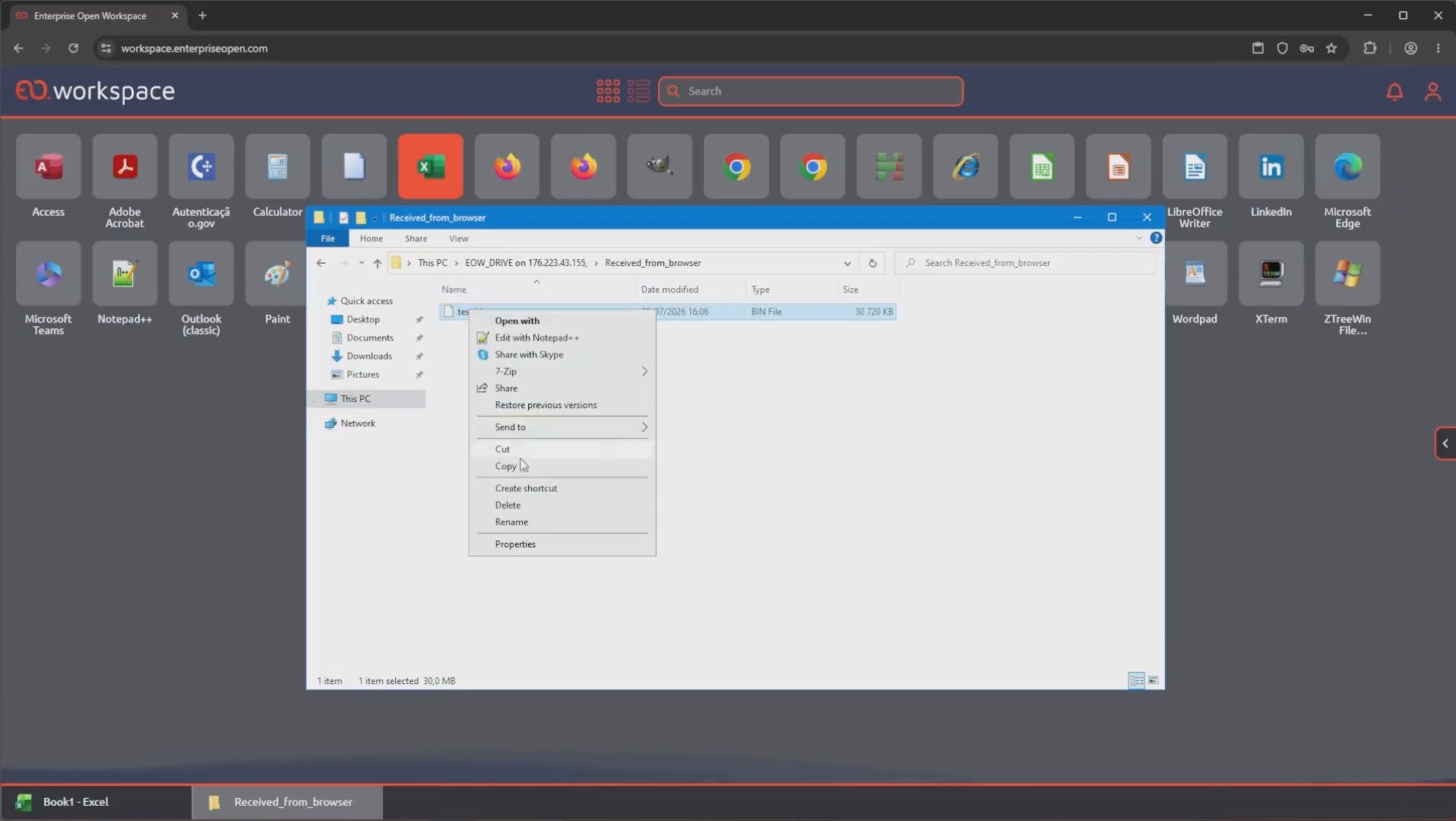
EO.workspace supports both desktop mode and application portal mode from the browser. Users can access a complete remote desktop or launch published applications and web apps from a searchable interface with grid/list views, taskbar-style switching, and window management.
📥 Optimized File, Print, And Clipboard Workflows
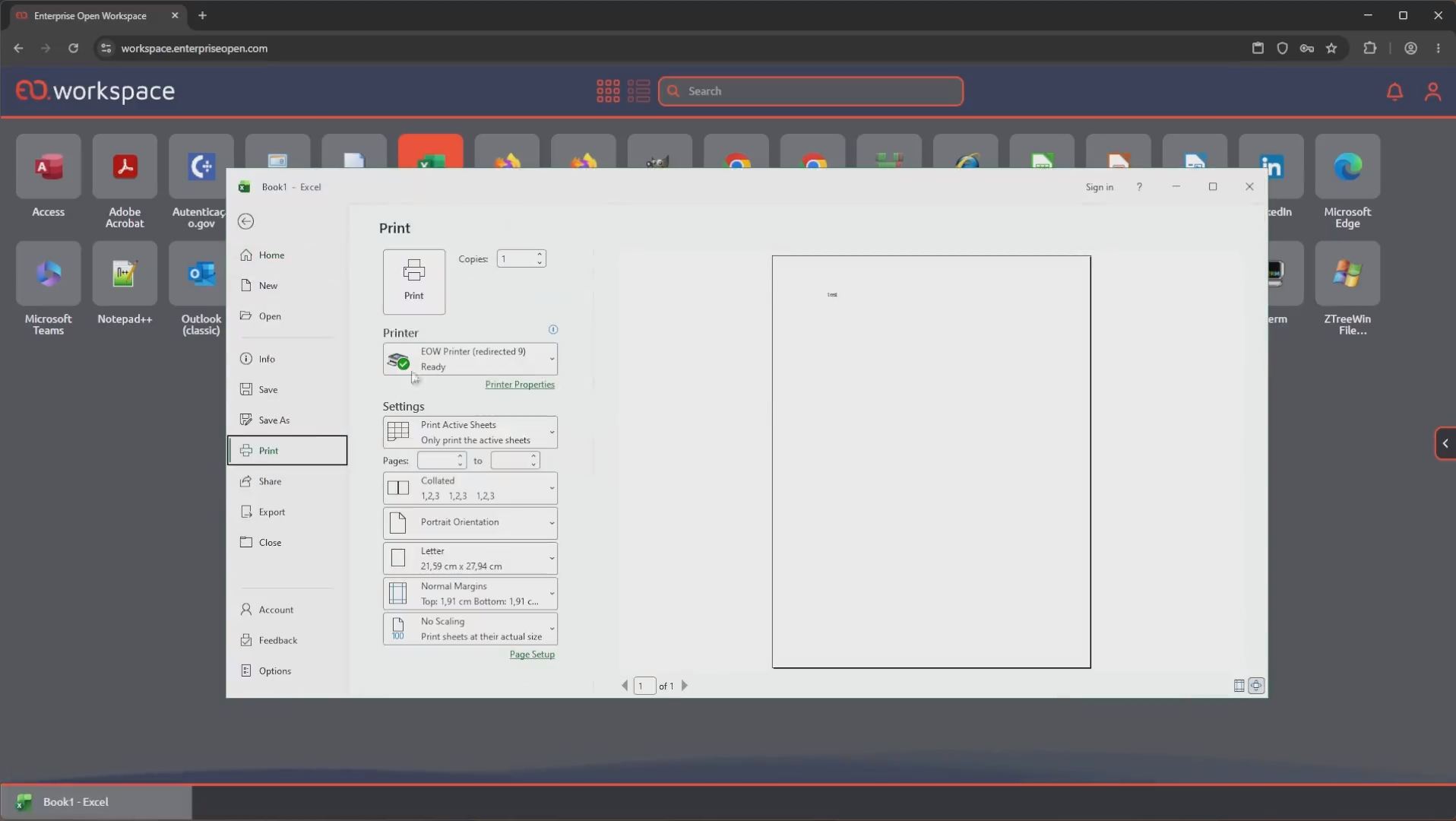
Daily productivity depends on more than screen sharing. The Advanced Web Client improves browser workflows with optimized downloads, progress and cancellation handling, browser-delivered PDF print jobs, and reliable text clipboard synchronization with fallback behavior where needed.
🔐 Policy-Controlled Redirection
Administrators can control redirection for clipboard, drives, printers, smart cards, audio, and microphone capabilities. These controls help organizations give users the browser experience they need while keeping data movement and endpoint integration aligned with security policy.
🌐 Browser Access With Enterprise Resilience
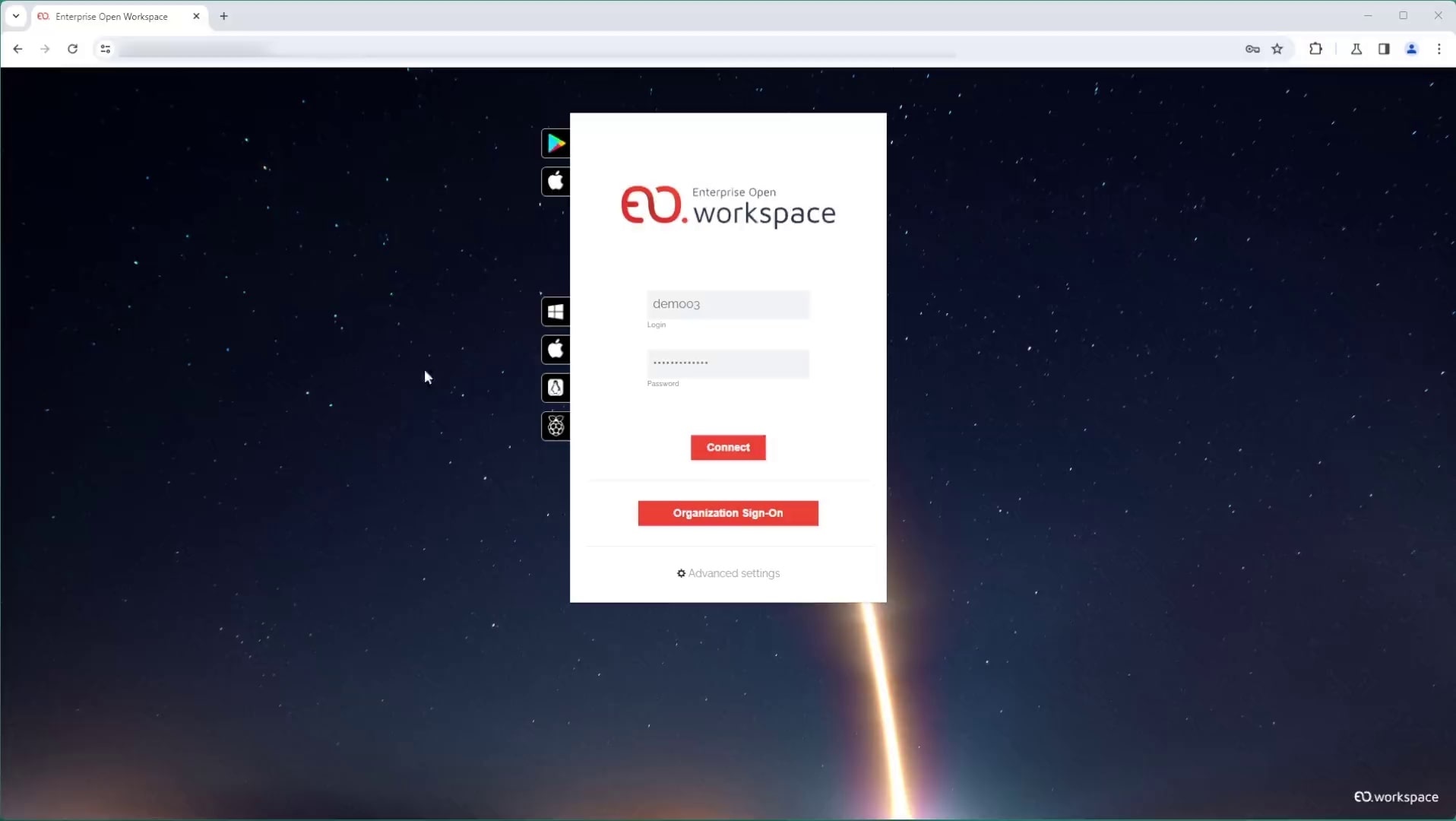
Users can connect from modern browsers without requiring a full native client installation on every endpoint. WebSocket-based connectivity, fallback behavior, session integration, and EO.workspace access controls help make browser access practical for managed, unmanaged, and temporary devices.
Want To See A Full Workspace Running In The Browser?

Recommended For You
CIS Virtualizes Bank Branches
CIS Virtualizes Bank Branches
NOS Virtualizes Critical Applications
NOS Virtualizes Critical Applications
CHBV Optimizes Workstation Costs