

- 6.8
Key Points
- Secure by Design: All camera data is encrypted in transit using TLS 1.3, ensuring your video communications remain private and protected.
- Application-Agnostic: Works with any application that accesses the camera — video conferencing, recording software, authentication apps, and more. No application-specific configuration required.
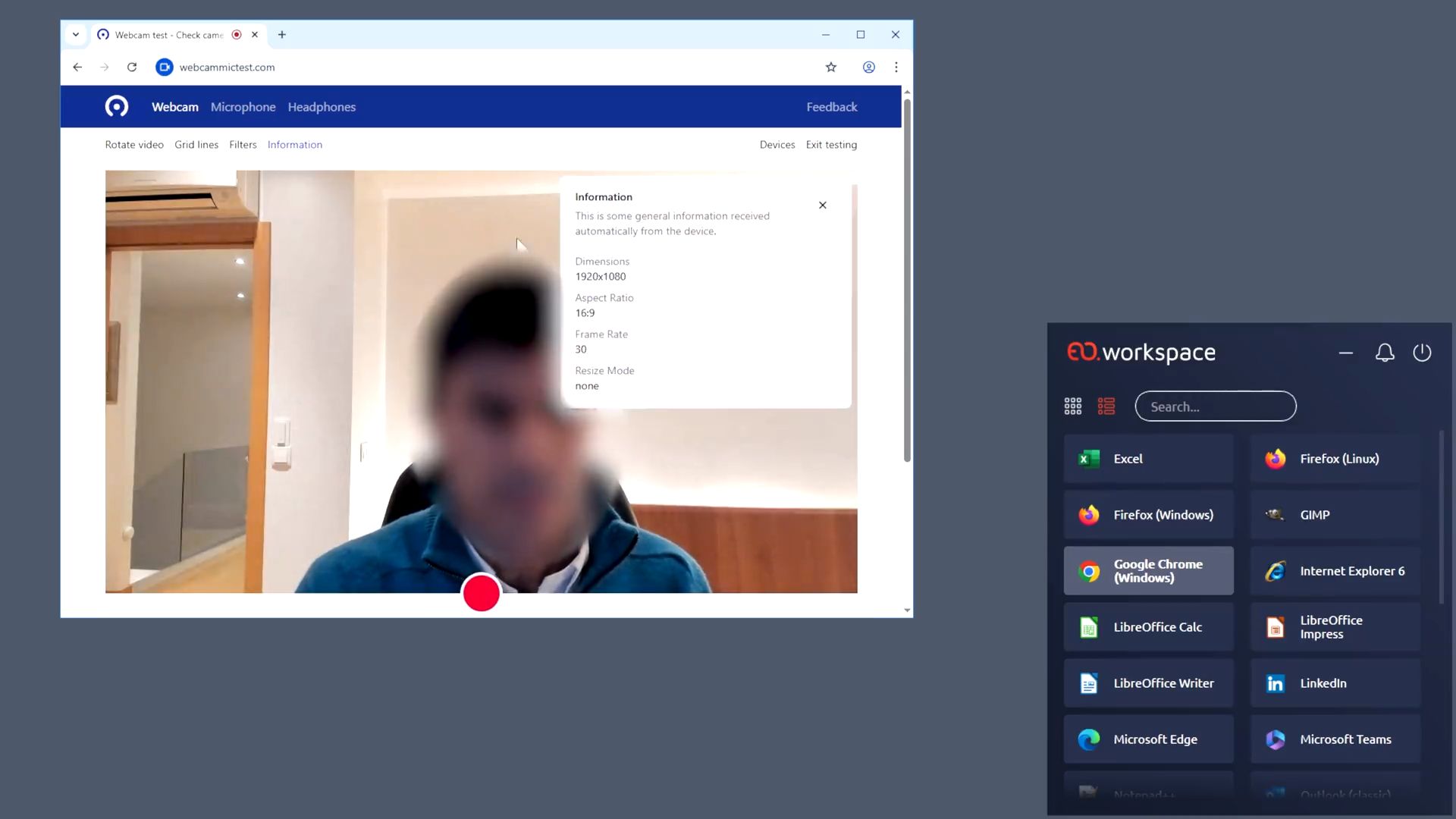
- Adaptive Quality: Automatically adjusts video quality based on available bandwidth and network conditions, ensuring the best possible experience even on constrained connections.
Video Conferencing That Works in Virtual Sessions
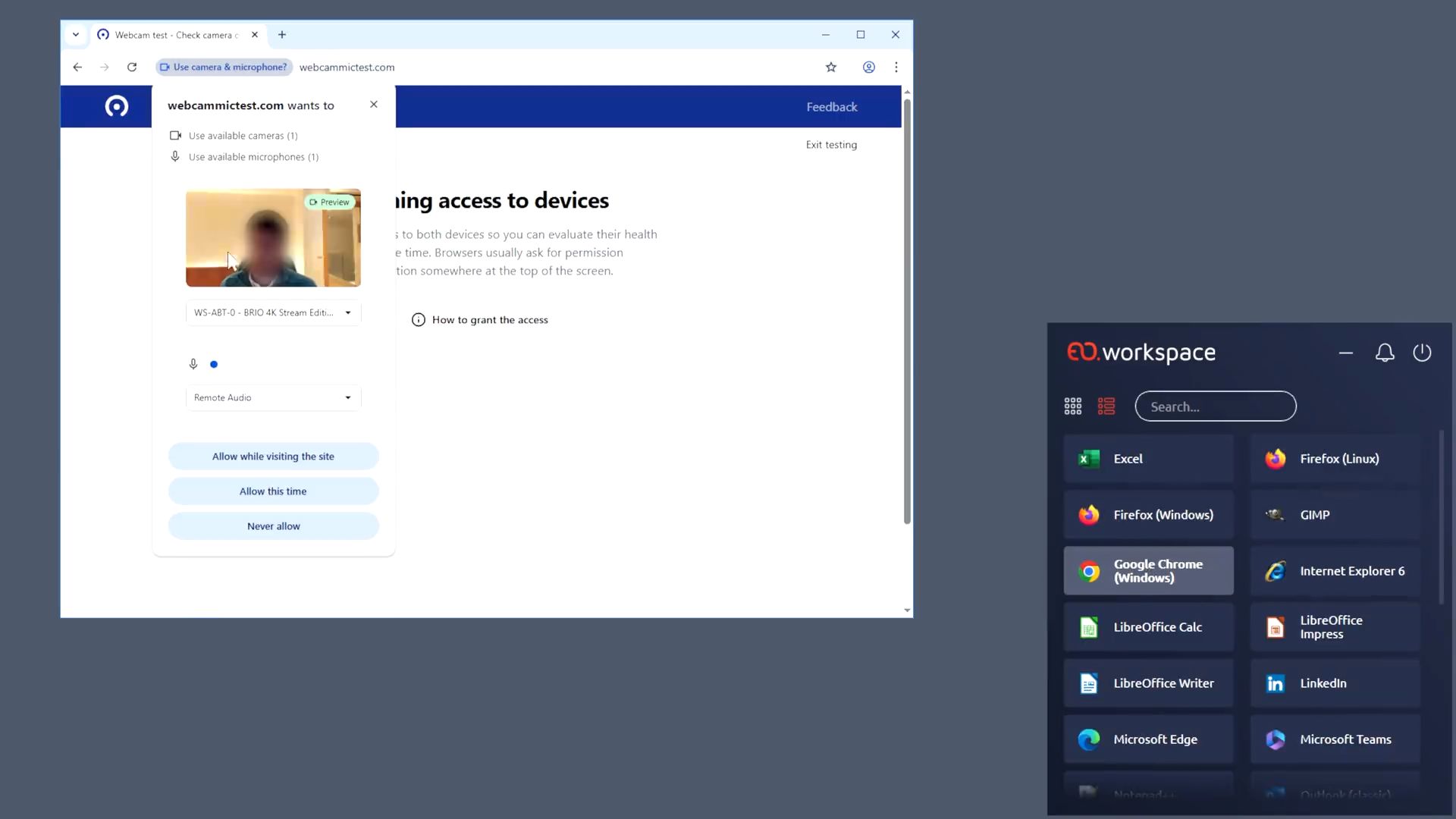
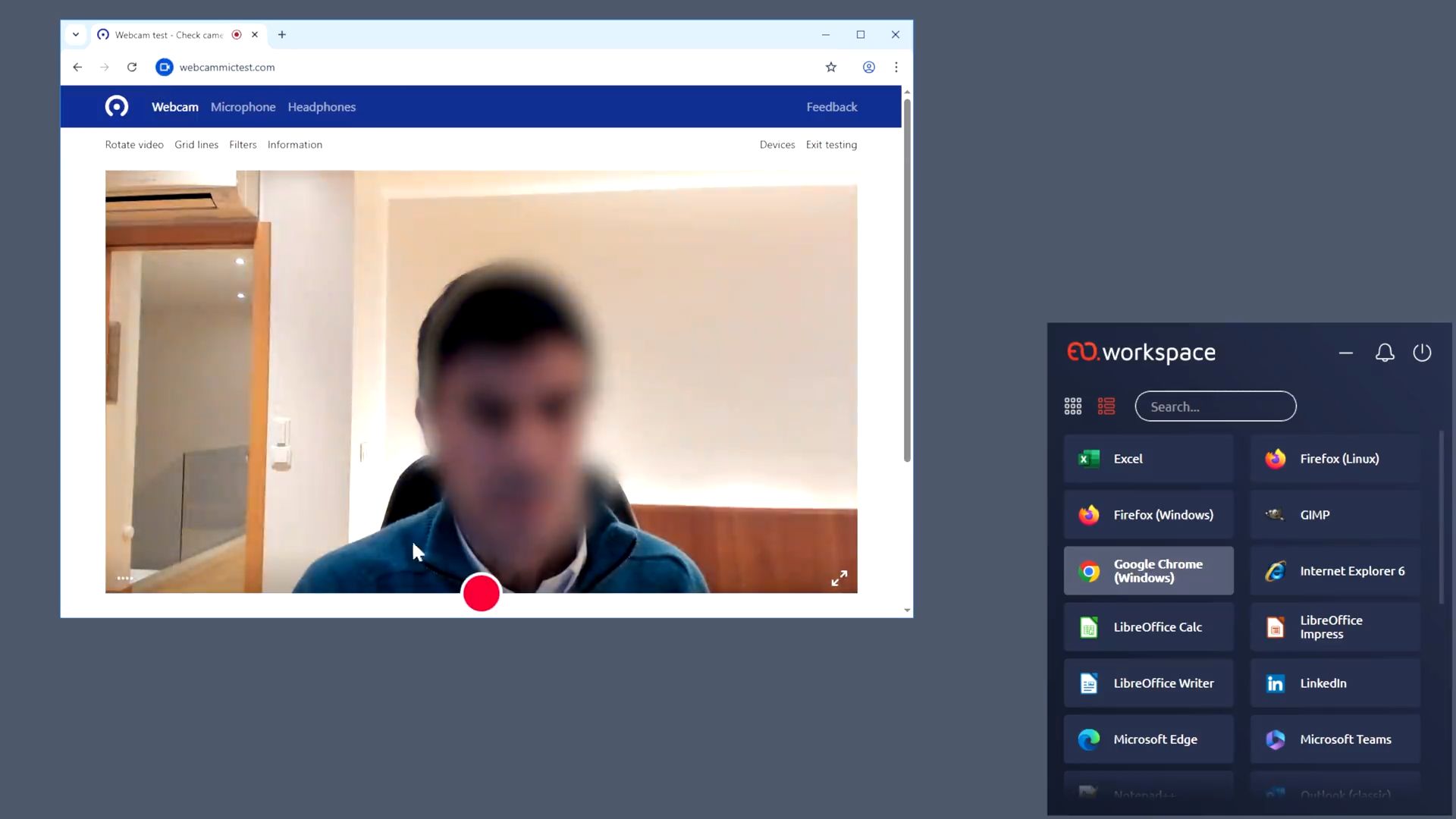
Bring face-to-face collaboration to your remote workspace. Redirect your local webcam into virtual desktops and applications, enabling smooth video conferencing on Microsoft Teams, Zoom, Webex, and more—without complex configuration.
Connect Face-to-Face, From Anywhere
In today’s hybrid work environment, video conferencing isn’t optional—it’s essential. Camera Redirection bridges the gap between your physical webcam and your virtual workspace, ensuring you’re always ready for that important meeting.
Whether you’re joining a Teams standup, a Zoom client call, or a Webex townhall, Camera Redirection delivers your video feed to the remote session with the quality and responsiveness users expect from local hardware.
🎥 Seamless Video Conferencing Experience
Participate in video calls using Microsoft Teams, Zoom, Google Meet, Webex, and other popular platforms directly from your virtual desktop—exactly as you would on a local machine.
⚡ Optimized Performance
Keep the figure only with a verified source; otherwise: “Unlike traditional USB redirection, Camera Redirection compresses video at the endpoint before transmission, significantly reducing bandwidth use.”
🔧 No User Setup Required
Your webcam is automatically detected and made available in the remote session. Users simply open their preferred video conferencing app and start collaborating—no technical knowledge required.
📷 Multi-Camera Support
Connect multiple webcams to your endpoint device and select the preferred camera for your remote session. Switch between built-in and external cameras as needed.
Ready to Enable Video Collaboration in Your Virtual Workspace?
Camera Redirection brings your team together, wherever they work. Enable face-to-face meetings, enhance collaboration, and ensure no employee is left behind in the video conferencing era. Contact us to learn more about how to revolutionize your virtualization deployments with EOW.

Recommended For You

CIS Virtualizes Bank Branches
CIS Virtualizes Bank Branches
NOS Virtualizes Critical Applications
NOS Virtualizes Critical Applications
CHBV Optimizes Workstation Costs